New Devices and Peripherals for Reviving Old Games

29 de ago. de 2025 — Juanma La Volpe
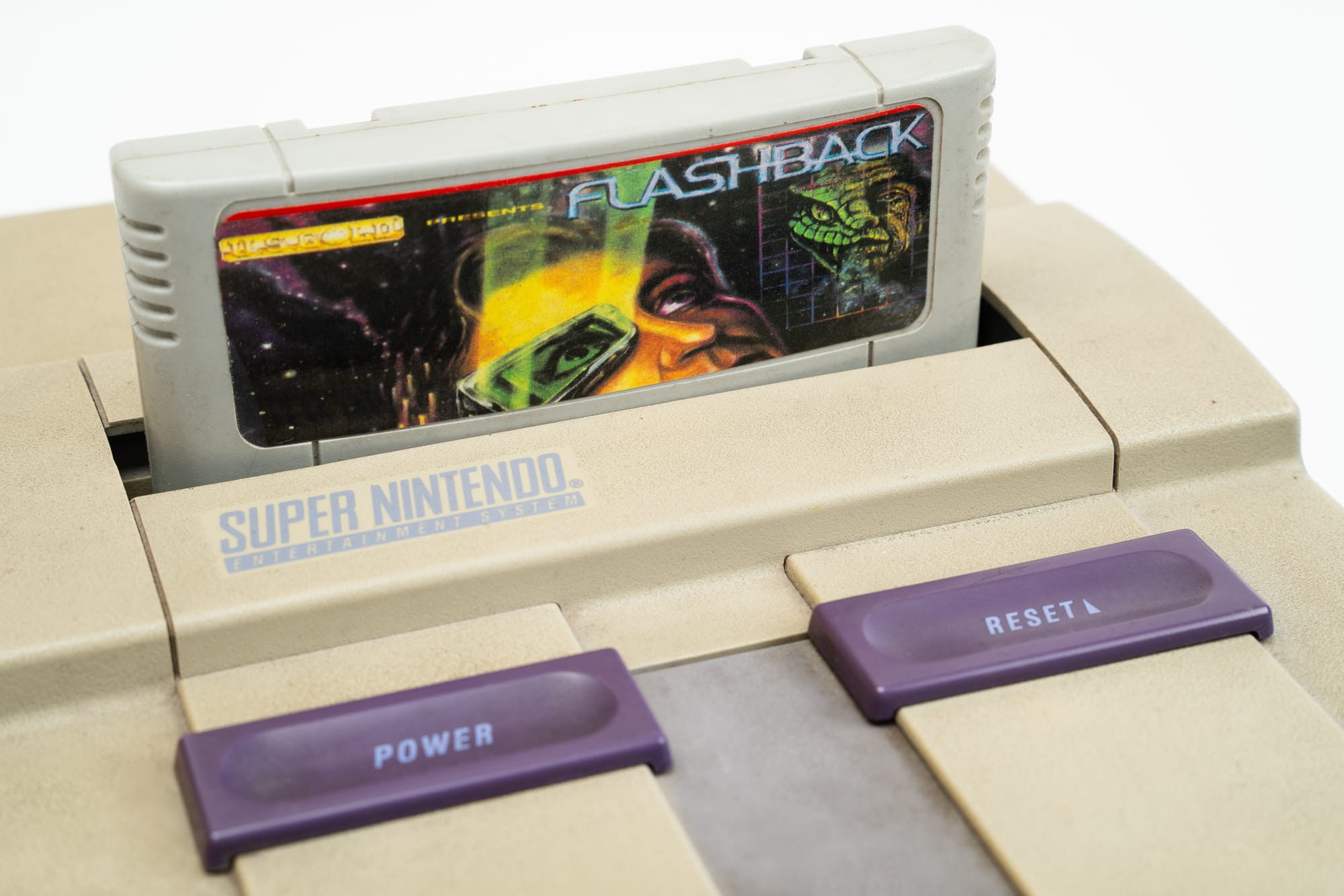
Retrogaming is a passion shared by many, and like any passion, it's experienced in different ways. Some purist fans are devoted to getting the original console, whether cartridge or disc-based, and using it as it was meant to be used in its era, reliving that mythical moment of TV / CONSOLE / GAME / PLAYER. Others, more interested in the games themselves and even with archivist tendencies, dove deep into the world of emulation and building massive libraries that run on platforms bringing together every known gaming system.
Between these extremes there are thousands of ways to enjoy retrogaming, and one that's gaining serious momentum is using new hardware for both old consoles and powerful emulation stations. In this guide, we'll run through the new hardware designed specifically so you can play your favorite video game. And maybe bring an old friend back to life.
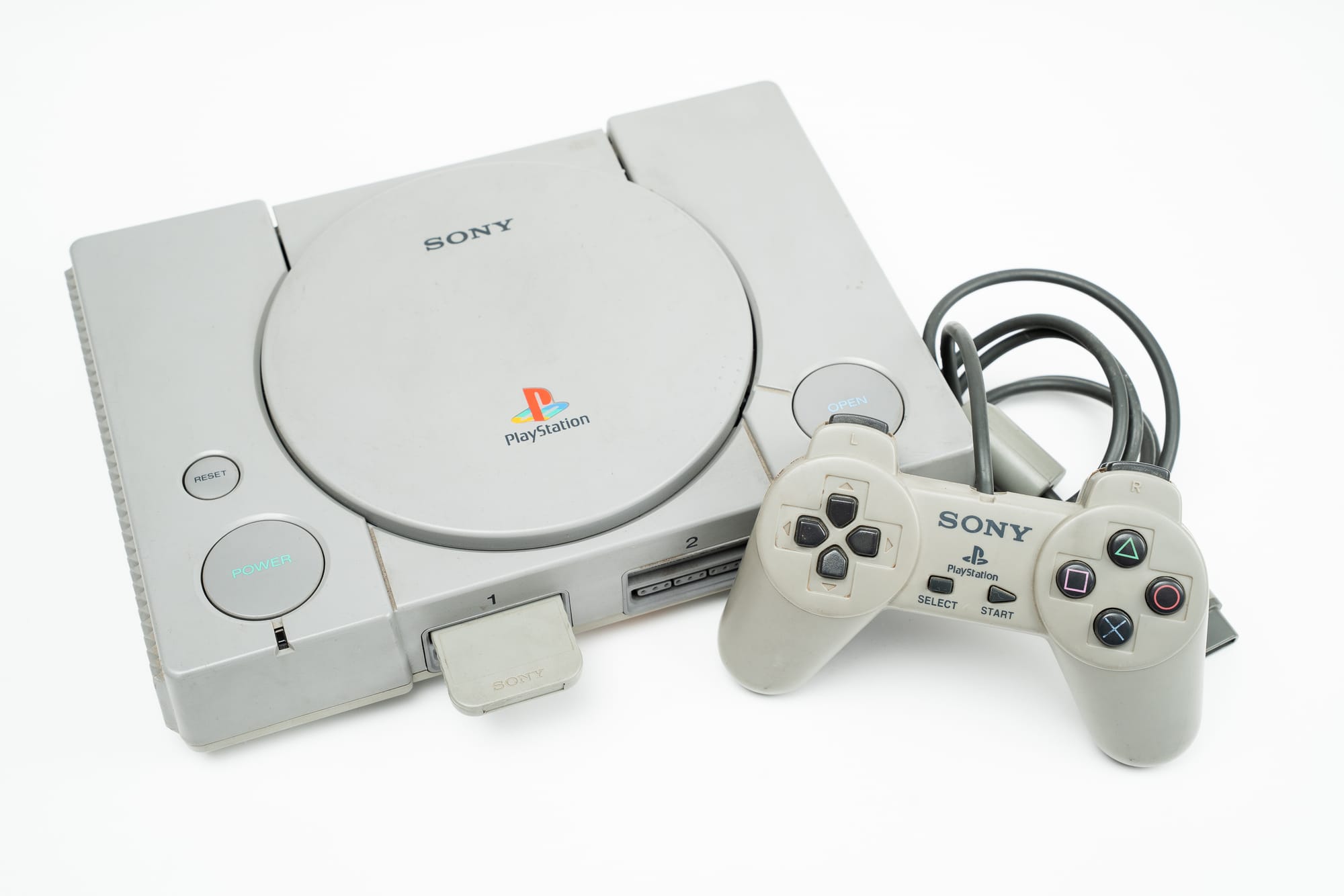
One of my first articles at 421 was about how to revive a PlayStation 2 to run games from an external drive (USB stick, hard drive) and turn it into an emulation station. We're going to expand on that vision of getting back to the original console, now with mods and new hardware to get the most out of its performance.
All this hardware came about thanks to enthusiasts and manufacturers who bet on these technologies, combined with the power of Chinese manufacturing, which is at its peak right now. Thanks to that, we'll find options ranging from premium quality to dirt-cheap knockoffs, always courtesy of piracy which, in this case, doesn't just replicate but also pushes things to the limit.

Why would I play a game on its original console if I can emulate it anywhere?
The original hardware is the ideal version for playing, and many games are still problematic in emulation, same goes for some consoles (like the SEGA Saturn until recently). In my case, I embrace the nostalgia and the experience of playing on the original console just as much as the ability to have my favorite games emulated on a tablet. I see them as separate experiences, but one doesn't have to limit the other. With that said, let's start with the new hardware options for the old legends.
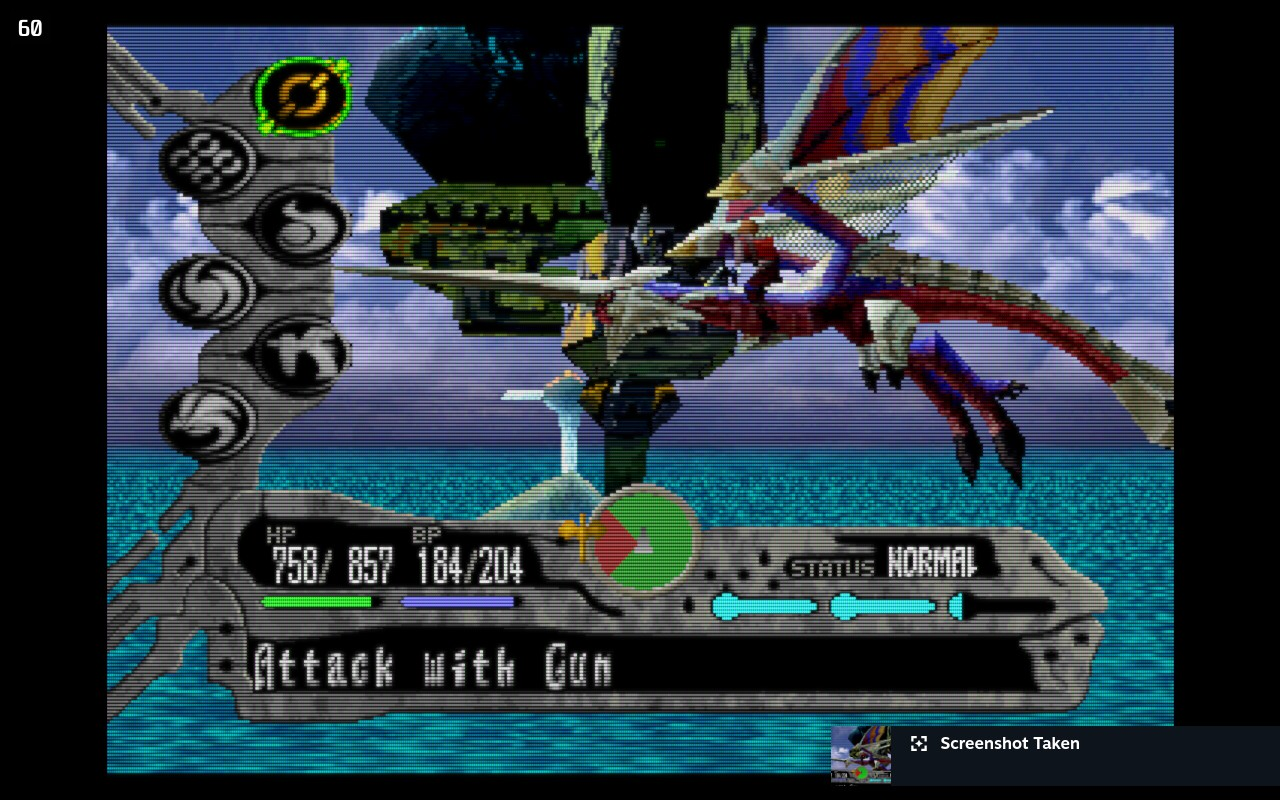
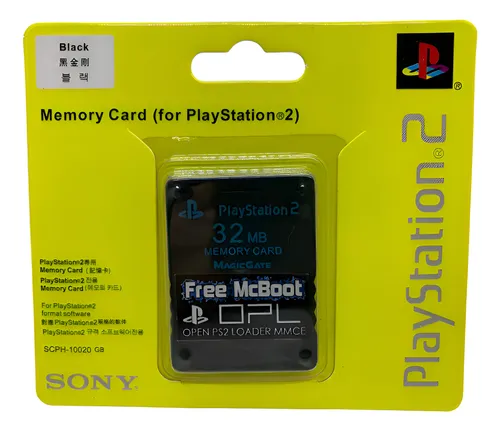
Revive your PlayStation with a bootable memory card
The first two PlayStations are ideal machines to revisit, especially the PS2. There are thousands of tutorials on YouTube about how to improve their quality of life, but a new challenger has arrived to change the game. You can now buy a bootable memory card that does everything. The new Chinese bootable memory cards are plug and play for PSX 1 and 2: just plug them into the console (and follow a brief installation depending on the model), and they already have everything needed to flash it.
These memory cards come in different capacities, and some with micro SD access. So what do they let us do? First, run the famous FreeMCBoot program, and through it the launchers for PSX and PS2, plus all the open source applications for it (like emulators for other consoles, for example). The higher-capacity memory cards even allow you to have games installed without needing a disc or USB stick, and they also work for saving your game progress. They're a cheap and super simple option.
Optical drive emulators (ODE) -- a.k.a. virtual disc drives
For disc-based consoles that aren't as hack-friendly as the PS2, we also have a new solution to run everything: optical drive emulators, which essentially trick the console into thinking we're using the disc reader.
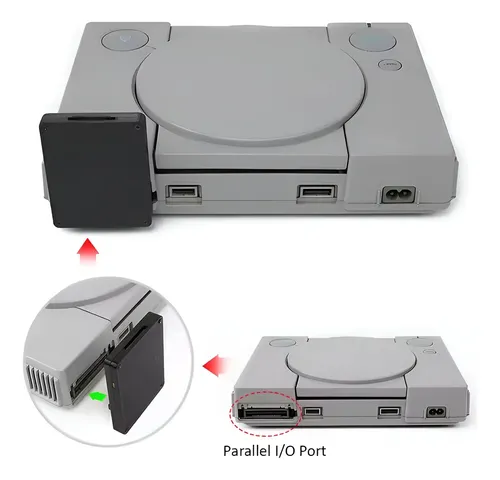
The PSX FAT can have a plug-and-play device called PSIO installed, which runs a memory unit where games are installed and still lets you use the original disc reader. This device only works on FAT models, since it uses the rear side port of the machine.
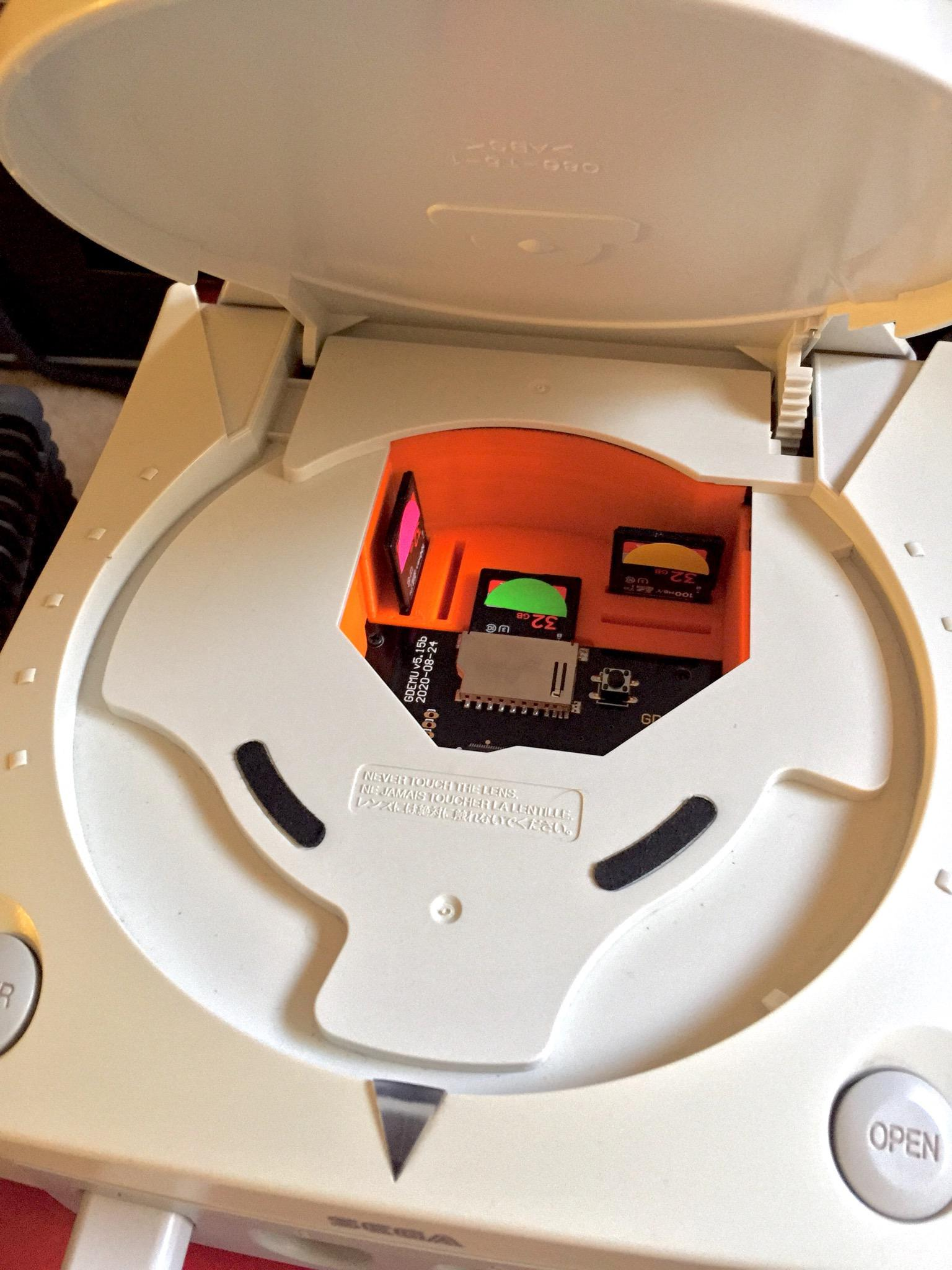
Other disc-based consoles like Dreamcast, Saturn, Gamecube, or Wii can also be modded through an optical drive emulator. In these cases, you remove the disc reader from the console and replace it with a special board that has access to an SD card. It's a great way to bring them back to life, and a new practice among retrogamers is buying consoles with broken disc readers to install these units. You'll need to watch some videos for the installation. And in some cases, soldering is required, since it's a hardware modification. A bit more involved, but it could be a fun new adventure for you.
Flash carts: super-powered cartridges
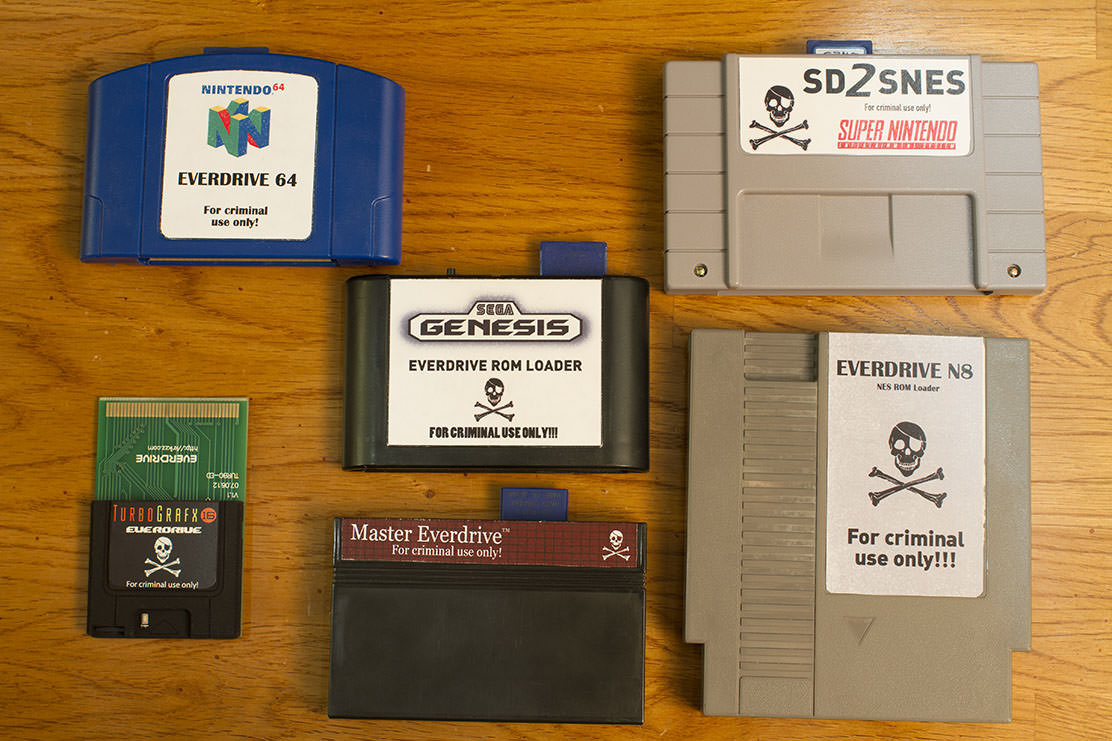
For our beloved cartridge-based machines, a solution has existed for years, though in our country it wasn't as common as it is now. They're the cartridges we mainly know as Everdrive (named after one of its most famous manufacturers), but they're actually called Flash Carts. These cartridges are available for all consoles, both home and portable, and run from an SD card.
Their features depend on the model and the console being emulated, but for example the EDMDS V3 for Sega Mega Drive lets you install Genesis/MD games on its memory and also runs Sega CD and 32X. These cartridges exist for every console, but it's worth highlighting the Sega Saturn SAROO, which can be used as an "optical drive" and also expands the console's RAM and makes it region-free.
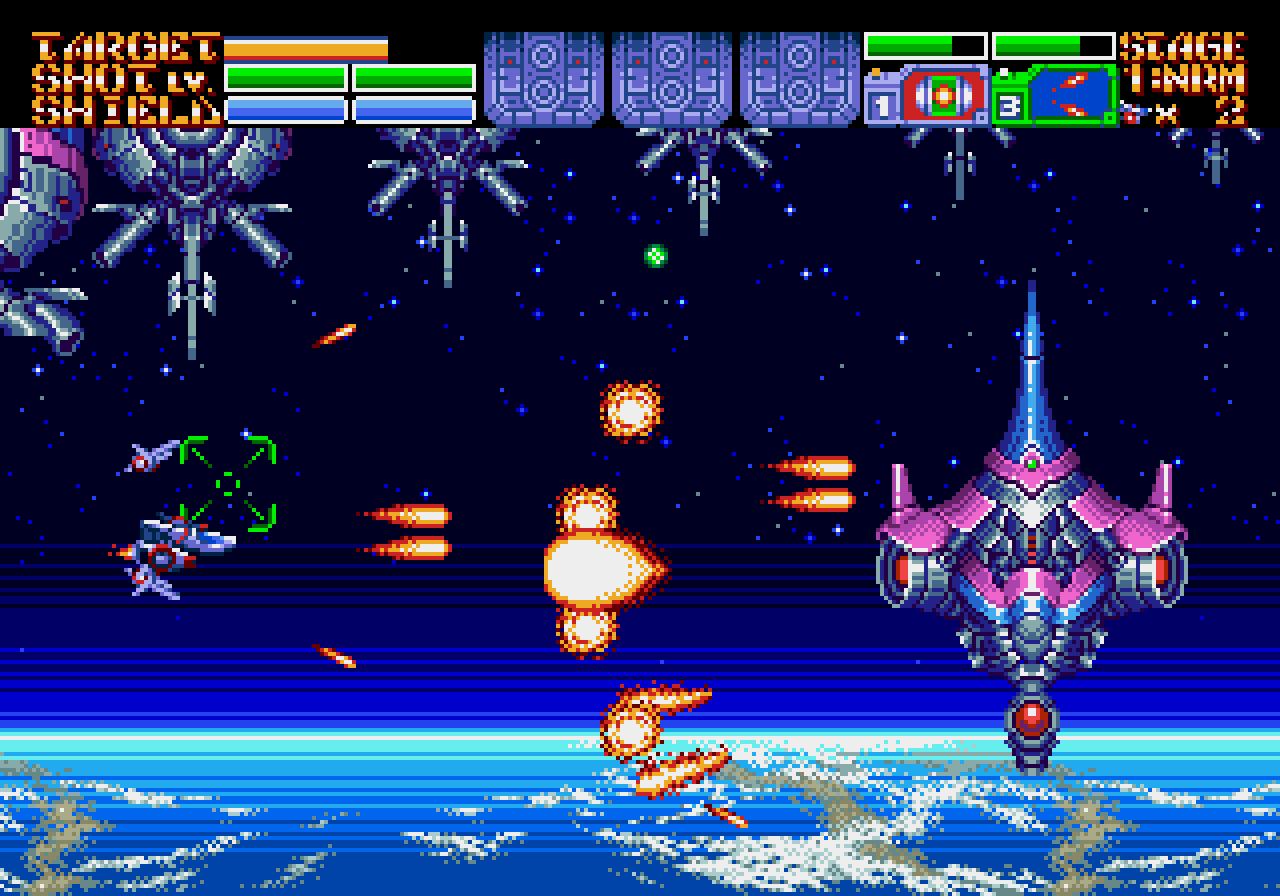
What I find interesting about this is that in recent years, several hack and brand-new games have been released for old cartridge-based consoles, and this is the best way to run them on original hardware.
We can play everything now, but where?
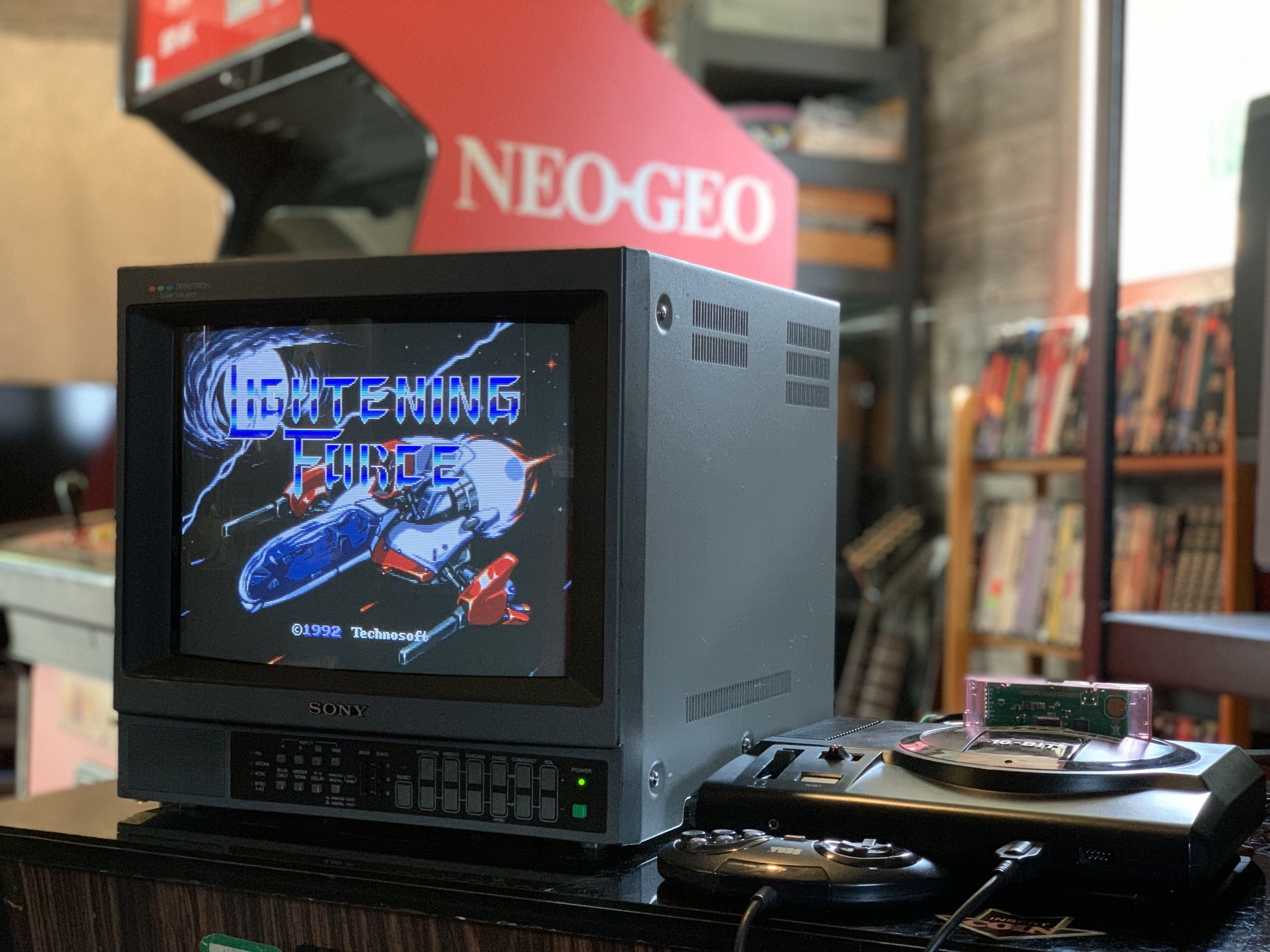
On one hand, there's the most obvious option: old consoles need old TVs. First because of their connectors and inputs, since modern TVs only have HDMI and USB ports, leaving out older formats like the beloved RCA cable (the white, yellow, red one). Second, there's the issue of how old games look -- in the case of pre-HD consoles and especially in the 8/16-bit world, they were designed to be played on CRT screens where interlacing completed the way the image was meant to look. Third, there's the screen aspect ratio that retro games were made for, as we went from 4:3 on CRT TVs to 16:9 on modern Smart TV generations. For this option, any CRT TV will work, but specialists recommend the Sony Trinitron series. And if you want to go really top-shelf, the PVM 1342Q RGB model.
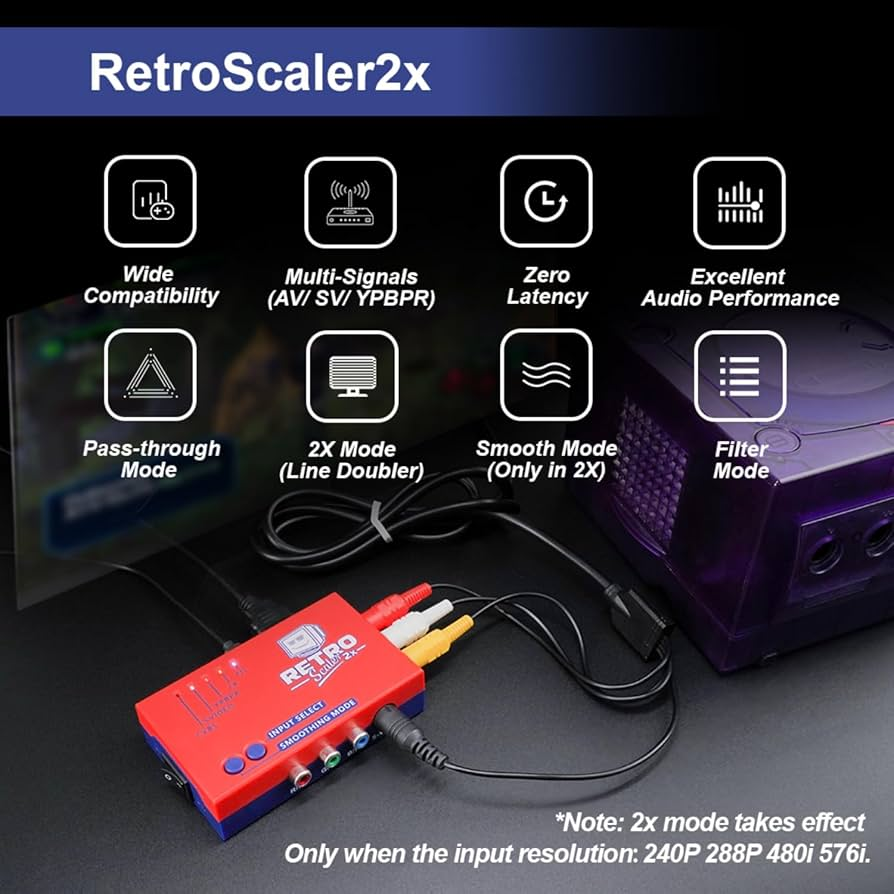
But if you have a super mega HD TV and want to hook up your Family Game clone to play MAPPY, that's also possible now. For this option, you've got scalers: external video processors with multiple connectors for every type of cable, outputting via HDMI to your new TV. It's not just an adapter -- these devices have options to emulate the scanlines of old CRT TVs, they can upscale the resolution and change the aspect ratio, they convert the signal type to a more stable one, and some feature a special low-lag input mode for gaming. The most popular ones to buy are the OSSC (Open Source Scan Converter), Retrotink, and the Chinese Retroscaler2X.
D-pads, 6-button controllers, joysticks, and adapters
First we figured out how to play, then where, and now with what. Today button layouts are fairly standardized, but obviously each console has its own controller and that's how it was originally designed to be played. However, in this new wave of hardware, we're finding some upgrades for old consoles.
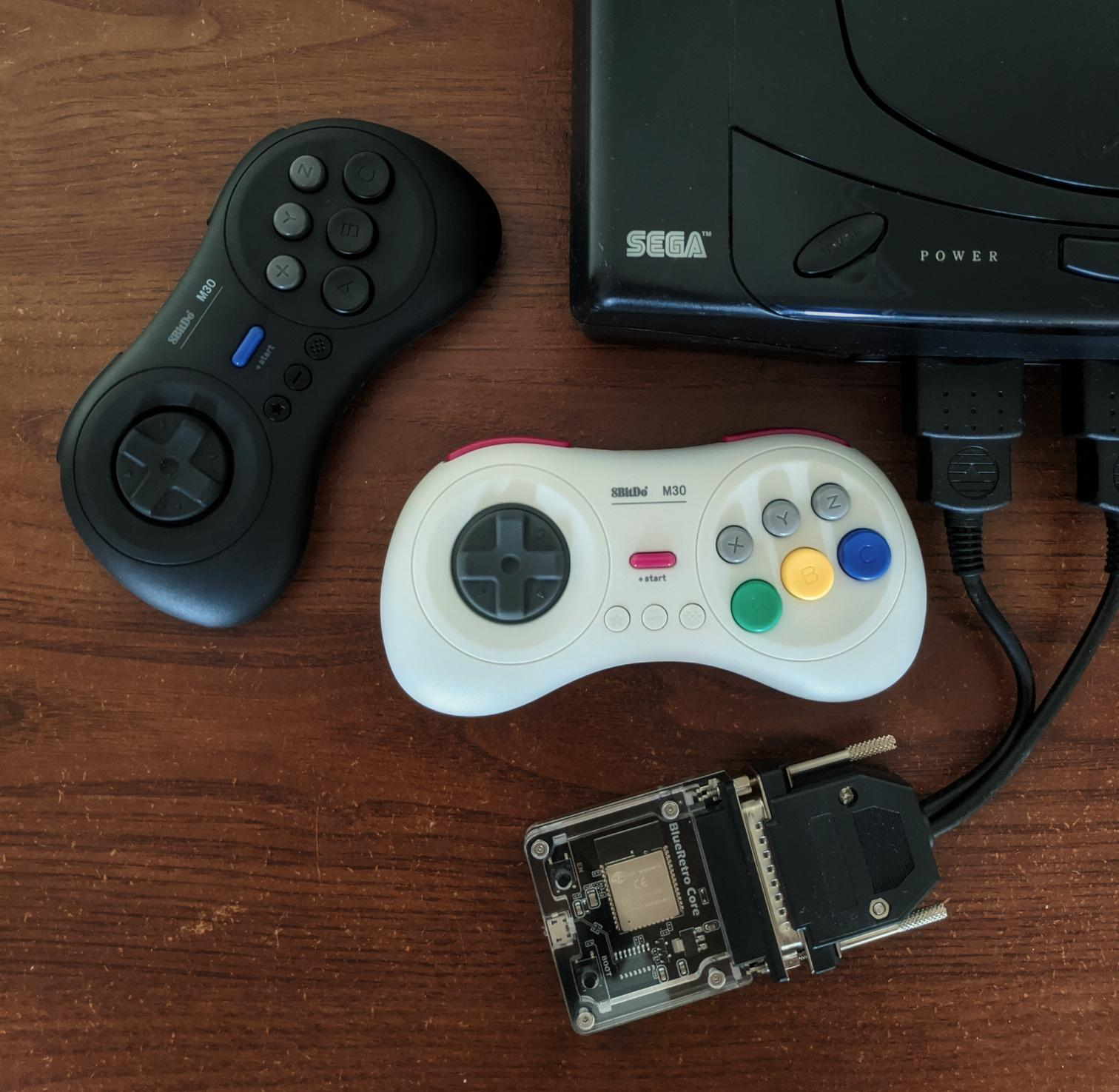
If you want to keep the console's original controller style, today you can get new controllers that recreate the form factor but with technology upgrades, for example making them wireless or using better materials than the originals (more comfortable D-pads, better plastic). But maybe you feel like using your PS5 PRO controller on your Super Nintendo, and that's now possible too with adapters that plug into the front ports and make any Bluetooth controller work. Within the device universe, there are a thousand brands and price points, though the most recommended are from 8Bitdo, which earned its popularity through product quality.
I don't have any of that, but I want to play everything
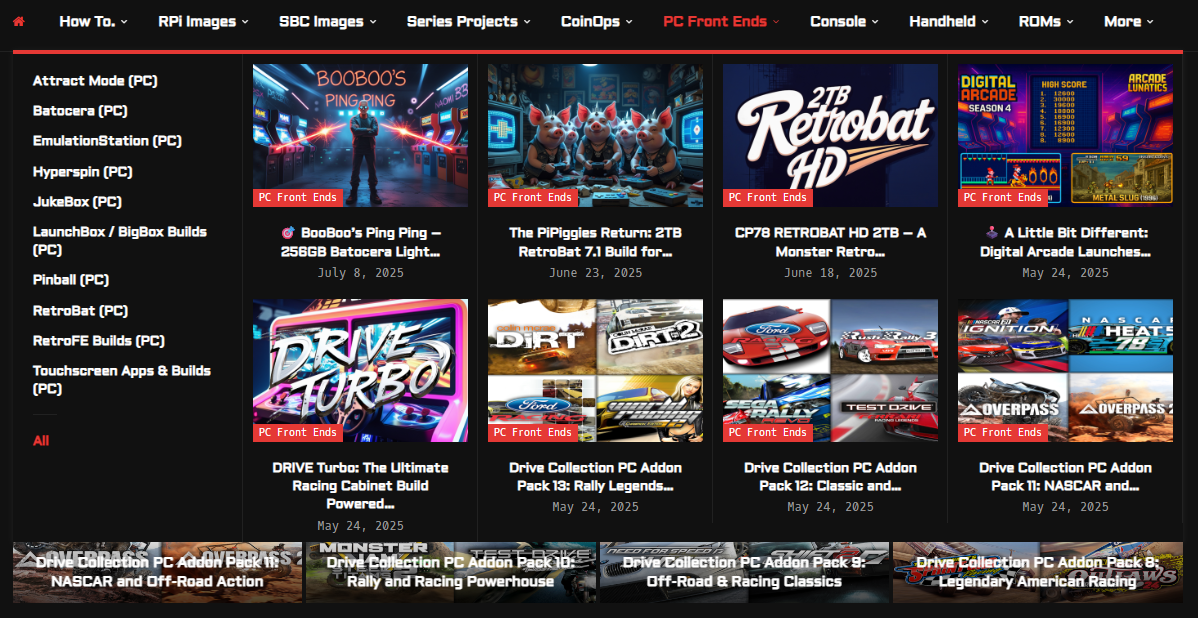
Don't worry, there are alternatives. First, if you already have a PC, Steam Deck, tablet, or even just your phone, you can go to ARCADEPUNKS and download an emulation platform from their PC Front Ends section. That site is one of many, but it'll help you learn what kind of software is used to set up the platform and emulators. There are also people who sell pre-configured packs with everything ready to go.
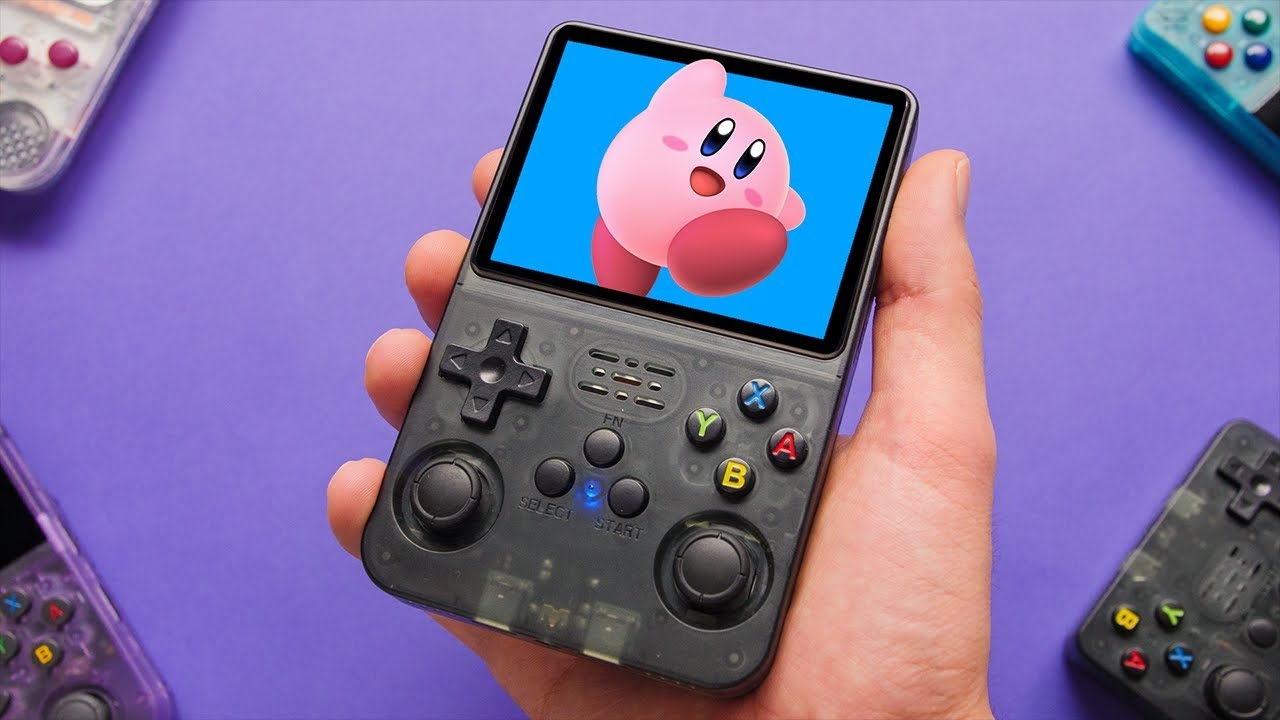
Another option is going for all-in-one consoles. For the portable version, there are new devices like the R36S, which can be made by a brand like Anbernic or generic manufacturers. These little gadgets shaped like a modern Game Boy, PSP, or even in a Steam Deck form factor are quite affordable for what they deliver. They come preloaded with games, and depending on the model, you can play up to Dreamcast with no issues. And in some cases, in their more expensive versions, they can run new PC games and emulate up to PS3. They come with USB and Micro SD ports, and depending on the model, they can even connect to a TV and be used with a Bluetooth controller.
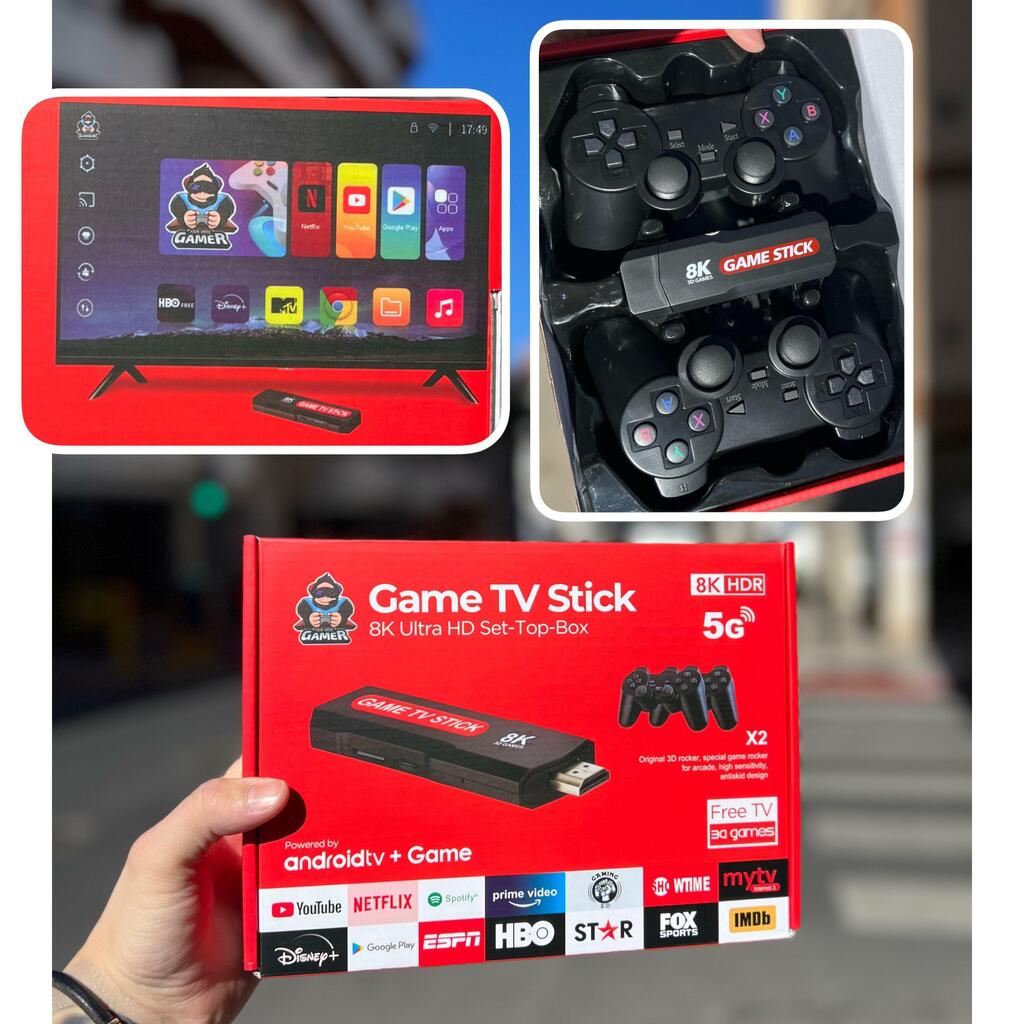
If we're going for a TV-connected version, we've got everything from the original Minis (Mini NES, Mini SNES, Mini PSX) which already have games and are hackable, through Raspberry-based consoles like the Argentine Tolueno or its many Chinese variants. These consoles depend a lot on the quality of their components, but software-wise most of them run RetroArch or Batocera and can easily handle games up to PS2. You can also turn to many local arcade builders who make their own TV versions that connect via HDMI.
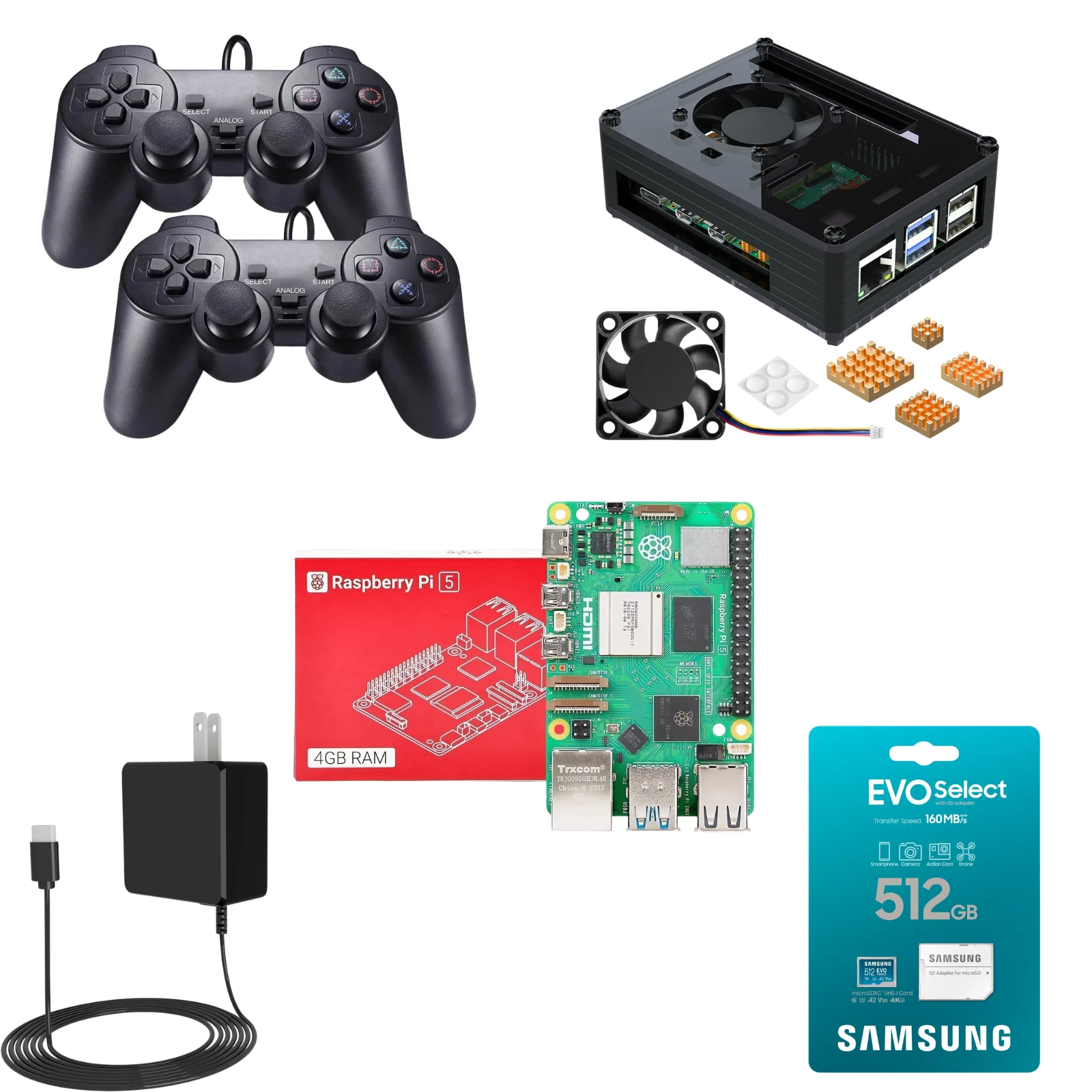
But here's another idea: what if you build all of this yourself? DIY all the way. You'll need some guidance and hardware, but it's way easier than you think. You can get Raspberry Pi kits at good prices to turn one into a console or a TV Box. As a project, it's a blast, and you don't need much expertise -- just follow a tutorial and dive into that new project.
I couldn't end this guide without showing you THE CREAM OF THE CROP
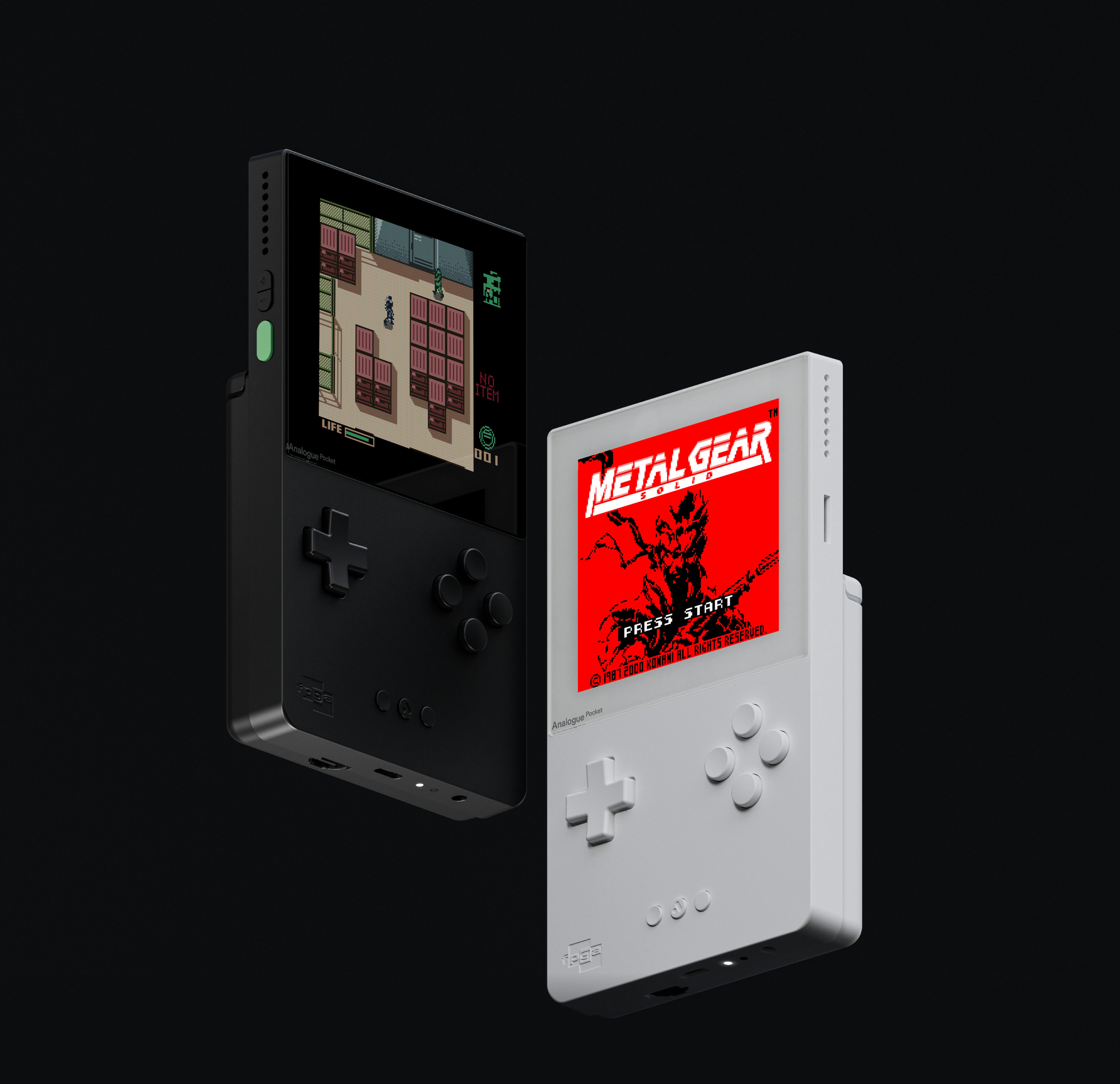
Analogue is a console company that aims to maximize quality in every product, making the best version of retro consoles. While they have several products, their flagship is the Analogue Pocket, the best version of a Game Boy -- it plays all retro portables via software emulation but also has support for cartridges and adapters to play games from other handhelds. Not only are the components and quality top-of-the-line, but they use a technology called FPGA, which mimics the chipset of the original console, making it virtually not emulation but the original hardware itself. So far, Analogue has versions for Nintendo 64, PC Engine, Mega Drive, SNES/NES, Neo Geo, and the aforementioned Pocket.
Where to get all this stuff
In Argentina, these products can be found in specialized retrogaming stores, buy/sell apps, and on Marketplace. That way you'll be paying a price adjusted for our country, including shipping, taxes, and fees. Let's also remember the option of buying on Amazon, with free door-to-door shipping on some items for purchases over 100 USD (as Juan explained here about buying Magic: The Gathering door-to-door). Lastly, all these products are also on AliExpress at very affordable prices and with tons of quality-level options.
The important thing here is to play -- do it however you want.