PlayStation 2, the resurrection: how to give it a second life

16 de sep. de 2024 — Juanma La Volpe
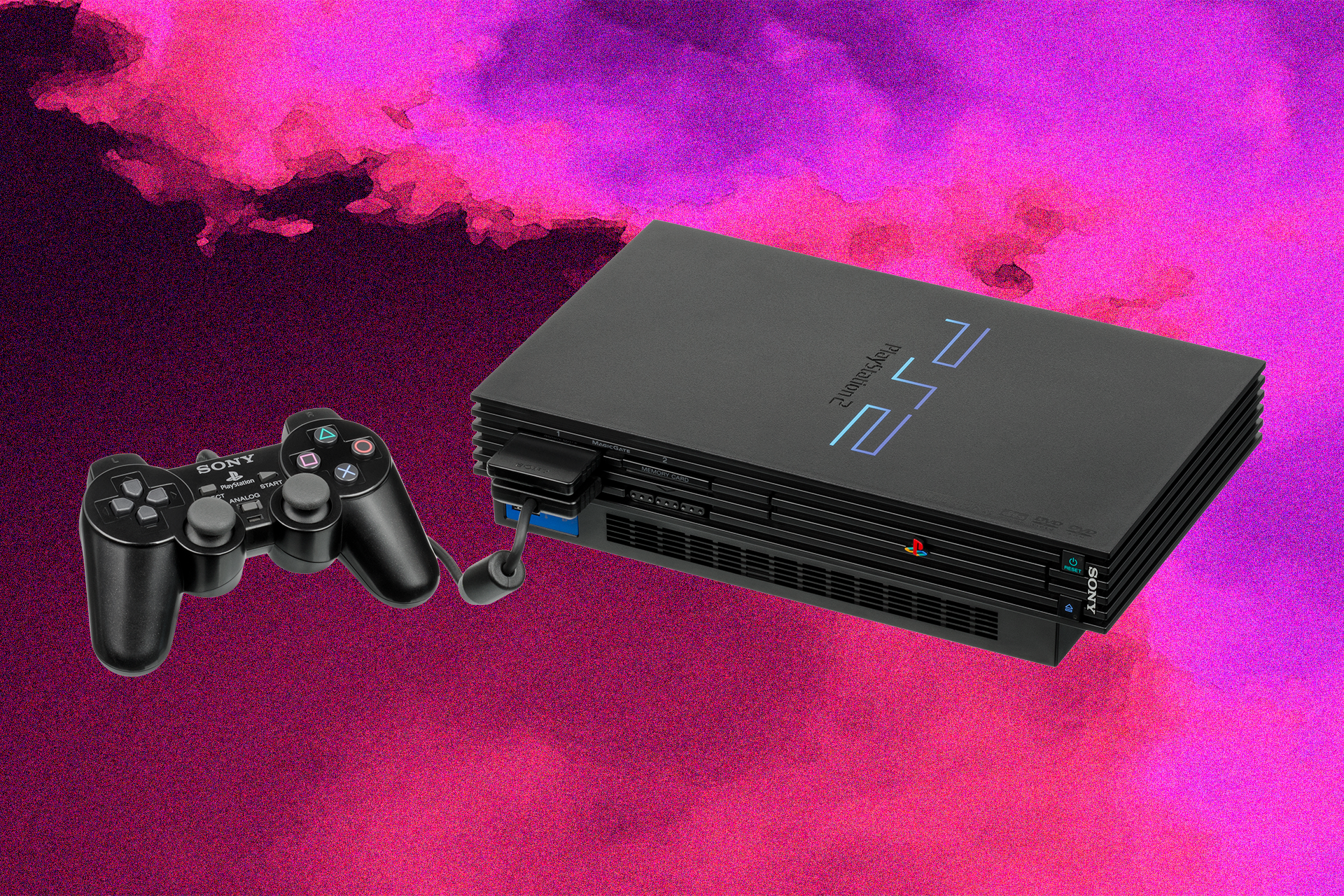
If you have a PlayStation 2 lying around at home that you no longer use, today you can give it a second life with a bit of effort and some tutorials. In fact, you can do this with almost any console or PC from the last 25 years, thanks to our pirate friends and homebrew software enthusiasts — unofficial programs that let you turn old devices into a solid emulation station for retro games.
Sites like Arcade Punks offer a ton of tools to do it, plus game collections already put together by forum users, where you just download and start playing with almost no setup needed.
What can a PS2 do today
Perhaps the best console ever created, not only for its catalog but for its performance and longevity, the PS2 is a bit like the Nokia 1100 of video games. Once modded, you can throw a grinder disc at it and something will run. On the technical side, perhaps the most important elements Sony added are its DVD reader and USB ports — a feast for hackers of the era.
Thanks to those ports, today a PS2 can be a multi-game console and a cheap entertainment center, allowing you to have an entire gaming collection on an external drive or a simple USB stick through emulators.
What we need
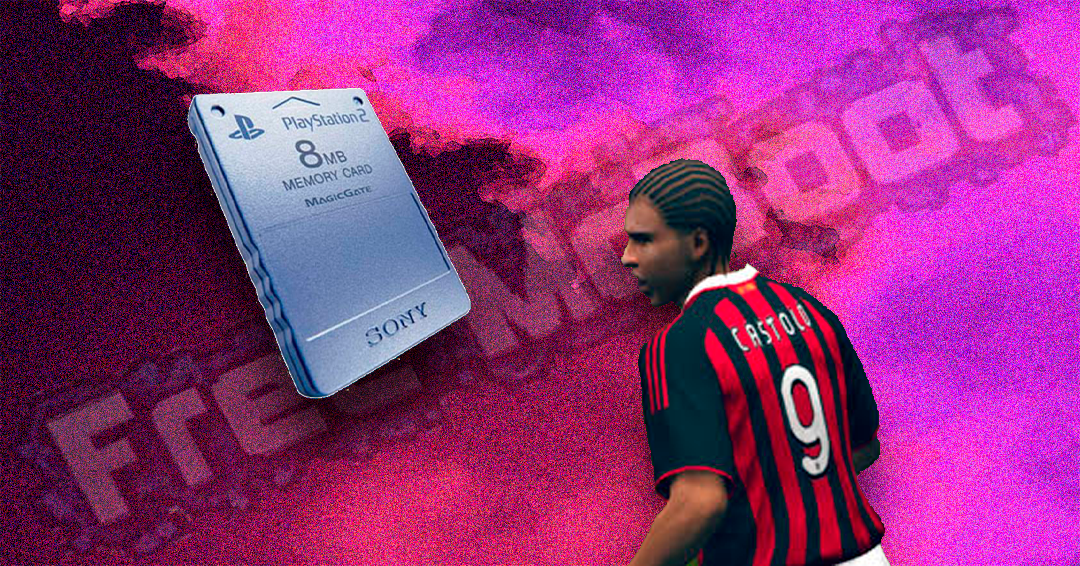
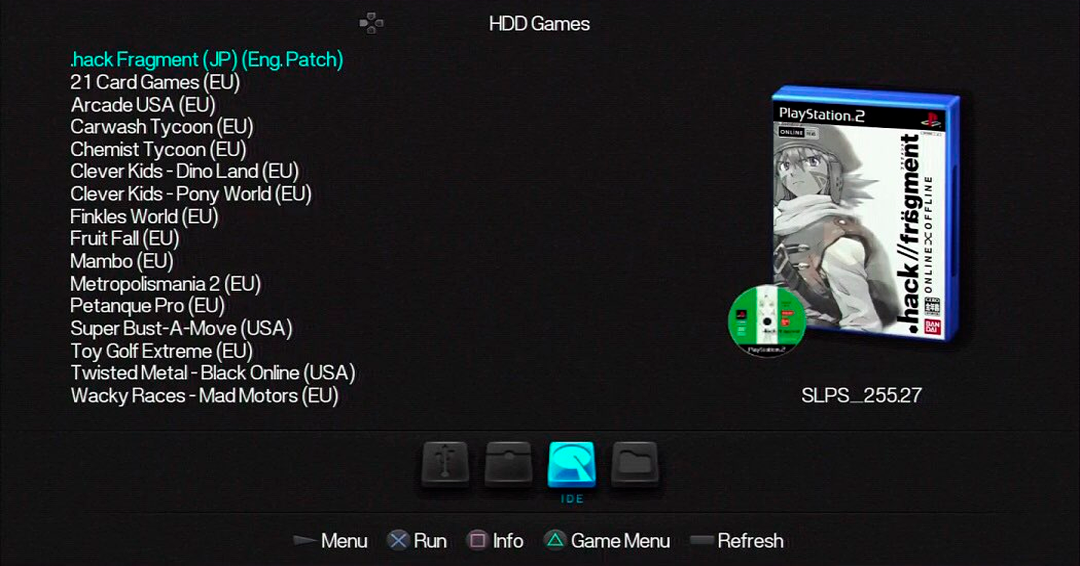
First, the installation of a key program: Free McBoot, a homebrew that grants access to a new configuration and menu for the PS2, where you'll install the add-ons to run other programs. Currently, the version being used is FunTuna (Free Mc Boot for Fortuna). The most important option we'll use is OPL (Open PS2 Loader), the menu where we find the PS2 game images stored on our drive or USB device.
To do that, the first step is to install this homebrew onto a PS2 memory card, or simply buy a memory card with Free McBoot already installed, which is sold online or at video game shops. Otherwise, you'll need a computer and a DVD burner or a USB drive. Plus, of course, an external drive or a USB stick (both formatted in FAT32) for storing your games and programs.
On that DVD/USB we burn the bootable program wLaunchELF, which lets you copy the Free McBoot files from the USB to the memory card. There are several tutorials showing the step-by-step process, but it's not complicated at all if you follow the program's instructions.
Once that's done, you need to prepare the drive or USB stick you'll use for your games (they must be in FAT32 format) and install USButil on a PC, which lets you write games to the drive or USB stick.
What do we play
Now the fun part is building our catalog. For that, I recommend what is in my opinion the best ROM site specializing in ISOs: CDRomance. There you'll find classics in American, European, and Asian formats, including a huge number of Japanese games translated by fans, and even titles that form the PS2's own canon: PES 6 (the best), GTA San Andreas, Resident Evil 4, Dragon Ball Z: Budokai Tenkaichi 3, or Sengoku Basara 2.
If you want to go deeper, the PS2 homebrew forums have tutorials for installing emulators for other consoles on your PlayStation, plus programs to keep enjoying its second life.