Pop! OS: a guide to installing Linux on your computer
Autonomy has a cost. If you're not willing to pay for it, stay where you are. But if you want to gain control over your computer, this tutorial is for you.

18 de ene. de 2026 — Juan Ruocco 🧙♂️
A few weeks ago I had a problem with Windows 11. An error with an update you could not install: "Cumulative Update for Windows 11 Version 24H2 for x64-based Systems". It really had a lot that I had no problems with Windows, beyond something specific with the drivers of the video board, that every so often broke and I had to go back down.
But because of this mistake I could not open Xbox Game Pass, so I could not play Balatro. I went into Defcon 1. I tried some solutions via Google but nothing happened. From that incident I couldn’t solve, I decided to post it on the X network and get the help of the fat.
Soon I had a few answers and, among them, the solution to the problem. But there were 20 other answers that could be summarized in "low Linux, fat fuck." At first he broke my balls because there was something to feel like you always run the court. You ask for help with something and you get raised the x20 bet, but at the same time there was also something true: it is rare that at this point in the match, with the number of hours I spend in front of the computer and with my ethical inclination towards piracy, self-determination and that kind of thing, I am still using Windows. There was some truth in the proposal to find a definitive solution to the computer problem.
Brief history of my relationship with home computers
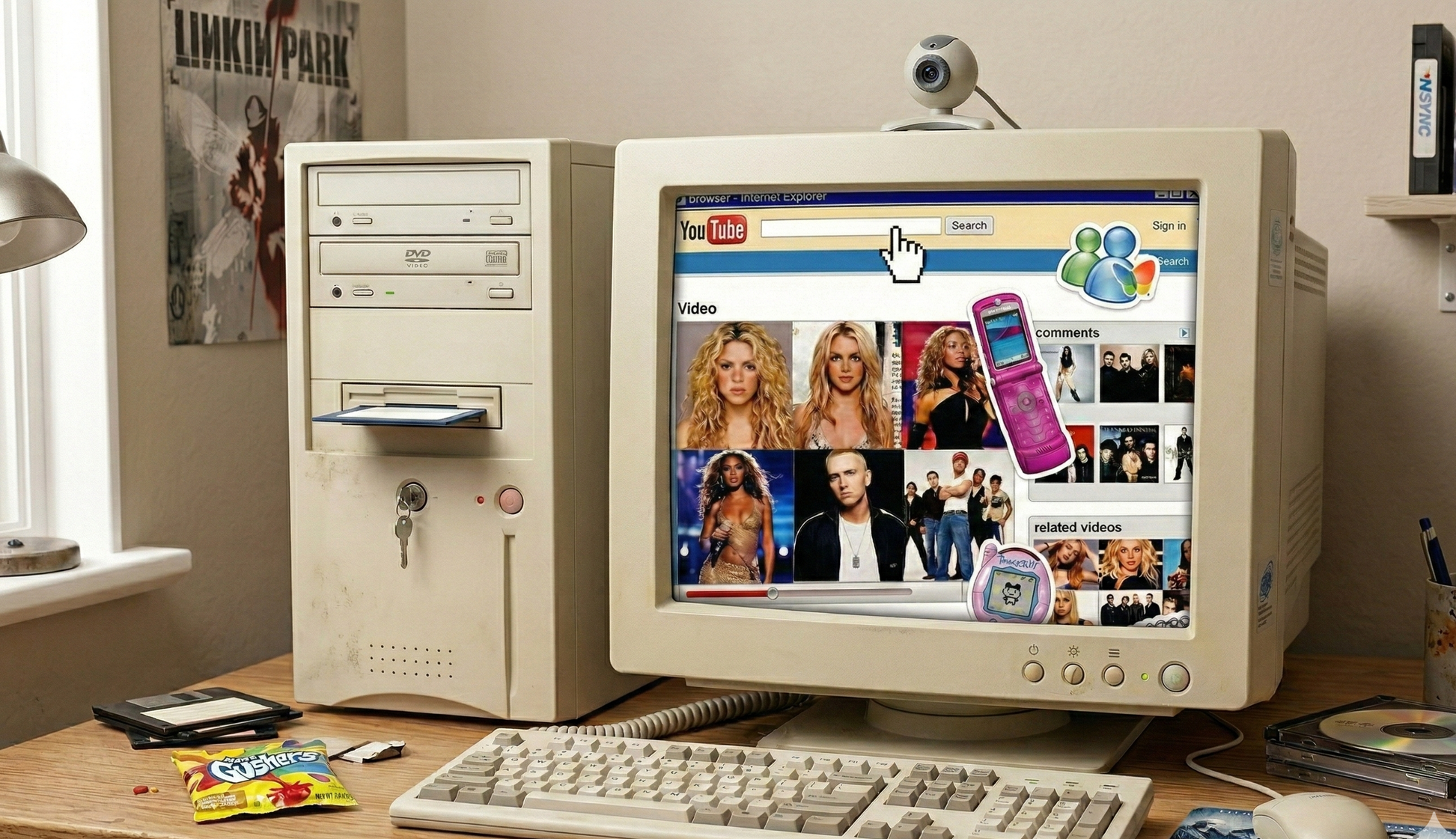
My relationship with operating systems and computers in general is broad. De pibe I had a PC, like everyone else. The first computer in my house was an x286 with B&W Hercules monitor. In '97, a Pentium 166 was upgraded, which was the home computer for long years, until 2007. There my old man updated it and I think we moved on to a Pentium Core 2 Duo. I remember that computer was put together by a friend of my old man who installed Kubuntu besides Windows.
Soon I went to live alone and bought my first notebook: a Macbook 2009 that consolidated my exit from the Windows universe. For many years my main operating system was Mac OS, although I always flirted with Linux. I was asking for the Ubuntu CDs, I went to see Richard Stallman when he came to Buenos Aires in 2011, and in 2018 I used Ubuntu as the main system – at the time, for security reasons – while working for Ripio, which lasted until I left the office in 2019.
At the end of 2018 I returned to Windows in an HP Omen notebook, since my 2011 MacBook had reached the top of its performance: it had changed the rigid, I changed the CD reader for another additional disk, raised the RAM to full and more than once I disarmed it complete to change the thermal paste to the micro. But it never served to play and we were just about the release of Magic: The Gathering Arena. The following years were a return to Windows hegemony. It coincided with the pandemic and the start of streaming with Círculo Viciosa (which worked better on Windows than on Mac OS), and it was also the time in which I mined Ethereum, which again reminded us how a PC is assembled, how drivers are installed, how six video boards are connected and a long etcetera.
After about 14 years of using notebooks as the main platform to do my things, in 2021 I returned to the desktop computer. Having regained the ability to assemble computers, I grabbed some components that I had left the mining issue, installed Windows 11 to the PC and I left plowing. The comfort of having everything concentrated in a single machine (labor, leisure, music, what-i-is) is unparalleled.
Also, in price-performance ratio, there is nothing better. The ability to assemble some by little, improve components, choose screen, peripherals, audio and video outputs is incomparable. The only one is space. With that fixed, there is no comparison.
Choose your own distribution
From the Windows error, I decided to go back to Linux. It was a whole week where I had basically exhausted having my two main operating systems (Windows on PC and Android in my Xiaomi Redmi Note 14) full of bloatware. However, I knew it was an activity that was going to take me quite a while. Research, try things, break others, until things work.
The first thing I did was turn again to the fat guys to ask them for advice about what distribution I should install. The answers put together a broad spectrum according to what he might be looking for. What I needed was a Linux distribution that would allow me to do what I already did with my computer: work through an office suite and, on the other hand, play.
Overall, what I was recommended was: Ubuntu to play, Pop! OS as a version of Ubuntu but with pre-installed Nvidia drivers, Arch Linux to go full hardcore or Bazzite as a dystro focused exclusively on gaming. And Debian leave it alone. Of all the options they gave me, I decided on Pop! OS. Why? There is not much why, but I already knew how Ubuntu worked, I found it quite interesting that he came with installed drivers, and not much more. Without going any longer, I decided to install Pop! OS on my computer.
How to install Pop! OS on your PC
The first thing to keep in mind when installing a Linux distribution is that there is no such thing as "it's simple", "it's super easy", "your grandmother can do it". While it’s a pretty simple process, you’re not exempt from finding problems or inconveniences along the way, or things you have to fix in a way you’re not used to.
You don’t leave Windows to get into an “easier” place, but one goes out of Windows or OS X to have more control over the computer itself, with everything that implies. Moving upwards in the pyramid of autonomy has a cost. If you're not willing to pay for it, stay where you are.
Of all the other times I had used Linux (Kubuntu and Ubuntu), this was the one where I really became interested in going beyond a merely beginner user level to try to exploit all the advantages that these operating systems have. Could I have done it on Windows and Mac? Surely, but for some reason this woke me up after crossing the threshold.
1. Preparations
- Download Pop! _OS
- Go to https://pop.system76.com/
- Download the ISO that corresponds to your video board:
- NVIDIA (if your compu has a dedicated NVIDIA board).
- Intel/AMD (if you use built-in graphics or AMD).
- Put a bootable USB
- Use whaleEtcher or Rufus.
- Choose the ISO and your pendrive (minimum 4 GB).
- Record it.
- Back up your data
- If you are deleting your current OS, save everything before.
- If you want dual boot, make sure you have at least 20 GB free.
2. Configure the BIOS/UEFI
- Restart the compu and enter the BIOS/UEFI (with F2, F10, DEL or ESC).ESC
- Activate:
- UEFI mode (not Legacy, unless your PC is too old).
- Secure Boot disabled (defines you from quilombos with drivers).
- I put the USB as the first boot option.
3. Start the installer
- I put the USB in and it boots from there.
- Choose Try/Install Pop! _OS.
- Expect me to load the live environment.
4. Installation
- I chose language and keyboard.
- Installation Options:For dual boot:
- Clean Install : erase everything and put Pop in! _OS.
- Custom (Advanced): partitionás vos (serves for dual boot).
- Free up space from Windows before.
- In “Custom,” he creates at least:
/root (20+ GB).swap(optional, equal to your RAM up to 8 GB max)./home(the rest).
- Turn on disk encryption if you want.
- Create username and password.
- Start the installation and wait (10–20 min).
- When you’re done, restart and remove the USB.
5. First start
- Pop! _OS starts alone.
Update everything:
sudo apt update && sudo apt upgrade -y
The importance of the terminal in Linux systems
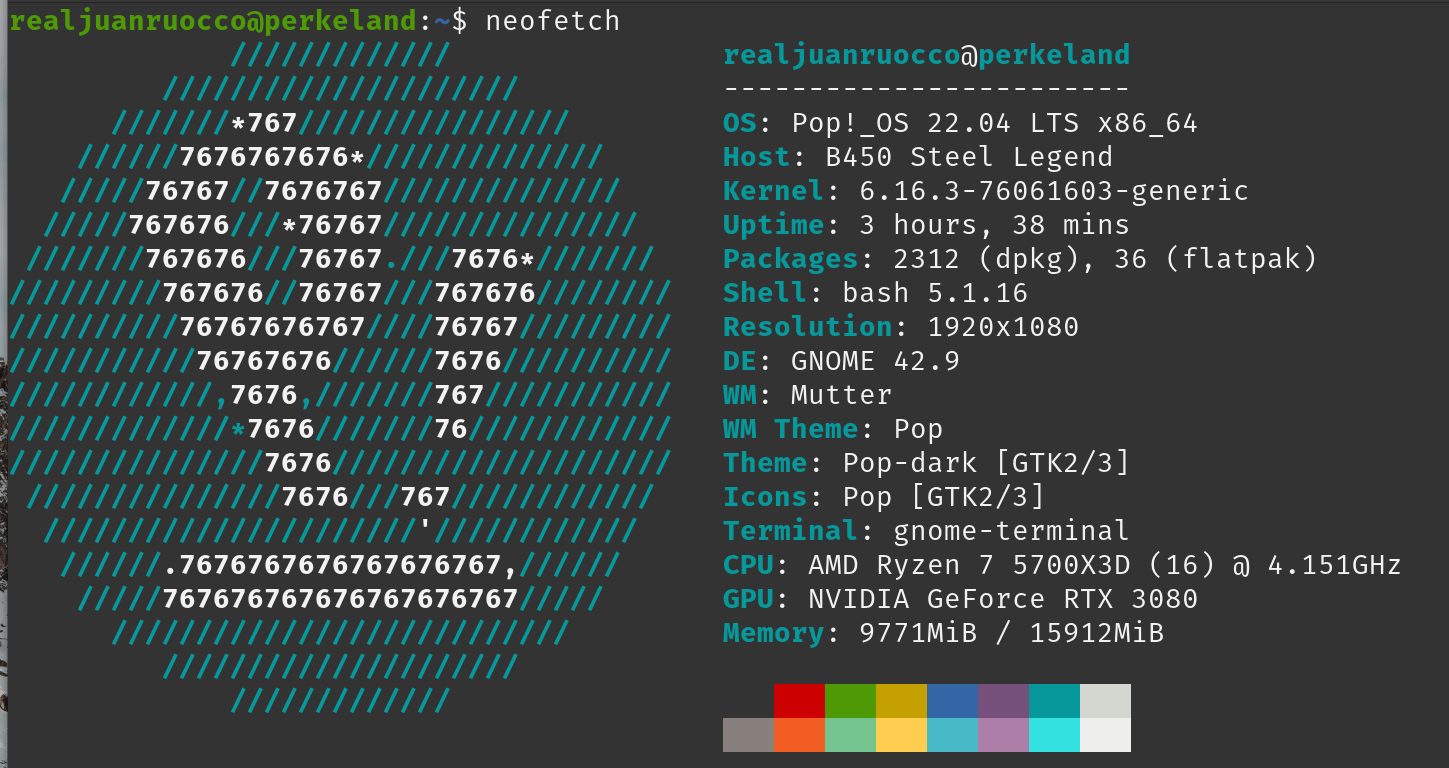
From the installation of the operating system on my computer opened up a new world regarding the possibilities that that brought. First of all, the system interface, Cosmic, which is installed on Gnome, is going very well. It allows all the chiches you expect from a Unix-based OS. Especially the possibility of having a super search bar as it happens in OSX for centuries and that Windows 11 had incorporated in recent time.
Then there is the whole topic with the workspaces, which always went much better on Linux; and something that is seen that became fashionable a short time ago, which is the "tiling" of the windows. Something that I did not know but that allows to have many windows open simultaneously, automatically occupying quadrants of the screen in a slightly more organic way.
But without a doubt the most interesting advantage of moving to a Linux-like system is the possibility of using the terminal for almost everything. I had no idea but, basically being connected to the internet, you can hook software repositories where everything you need is, with just one or two lines of code. And then, with another line, install those programs and applications without any problems. In my case, I use Flatpak and it’s like having discovered COMPUTING again. Chau app stores, download pages, chau graphical interface. Hello beautiful terminal.
On the other hand, from the existence of LLMs it is almost not necessary to know anything. You simply ask the chat how to do something and the chat throws you a couple of immediate deployment solutions. Thus, you start with a peeled operating system and in less than three hours you have cucup pipi. In my case, I installed everything you need to book and play: Google Chrome (although a few days ago I went back to Firefox, which is going 1000 times better), Discord, OpenOffice (fucky Microsoft 365), Sublime Text, VLC Player, Audacious for music and qBittorrent. Oh, and also Steam, which for some years took the laburo of making the vast majority of its games work in Linux environments. Finally, Heroic Games Launcher for my game library in GOG and with that I was able to replace 100% what I did on Windows PC without any problem. OK, without any kind not.
Some things came along the way. For example, once I installed Steam, before opening a game I would throw a strange screen where I supposedly ont-render graphics or something like that. But looking for solutions I found very fast how to make it not happen anymore, I wrote a couple of things on the console and pimba, problem solved. As I said before, it’s not a panacea, but it’s certainly an experience that gives you a lot more control over your computer and the ability to do and undo your craving.
The discovery of the console as a mode of interaction is vital and a new world. After almost a year of publishing 421, to talk to many friends and acquaintances about how the old eras of the free internet were longed, you can really appreciate that that internet did not die, it did not disappear, but is alive in the increasingly growing underworld of free software, open source and GNU/Linux systems.
So, don’t beat your nostalgia and go back to the place where you were always happy.