Self-Hosting: The Art Of Hosting A Home Cloud
In an era marked by paid platforms, where nothing you consume on the Internet is yours, there is a movement that goes against the grain: self-hosting, or, in other words, hosting your own little Internet at home.

11 de feb. de 2026 — Soldan
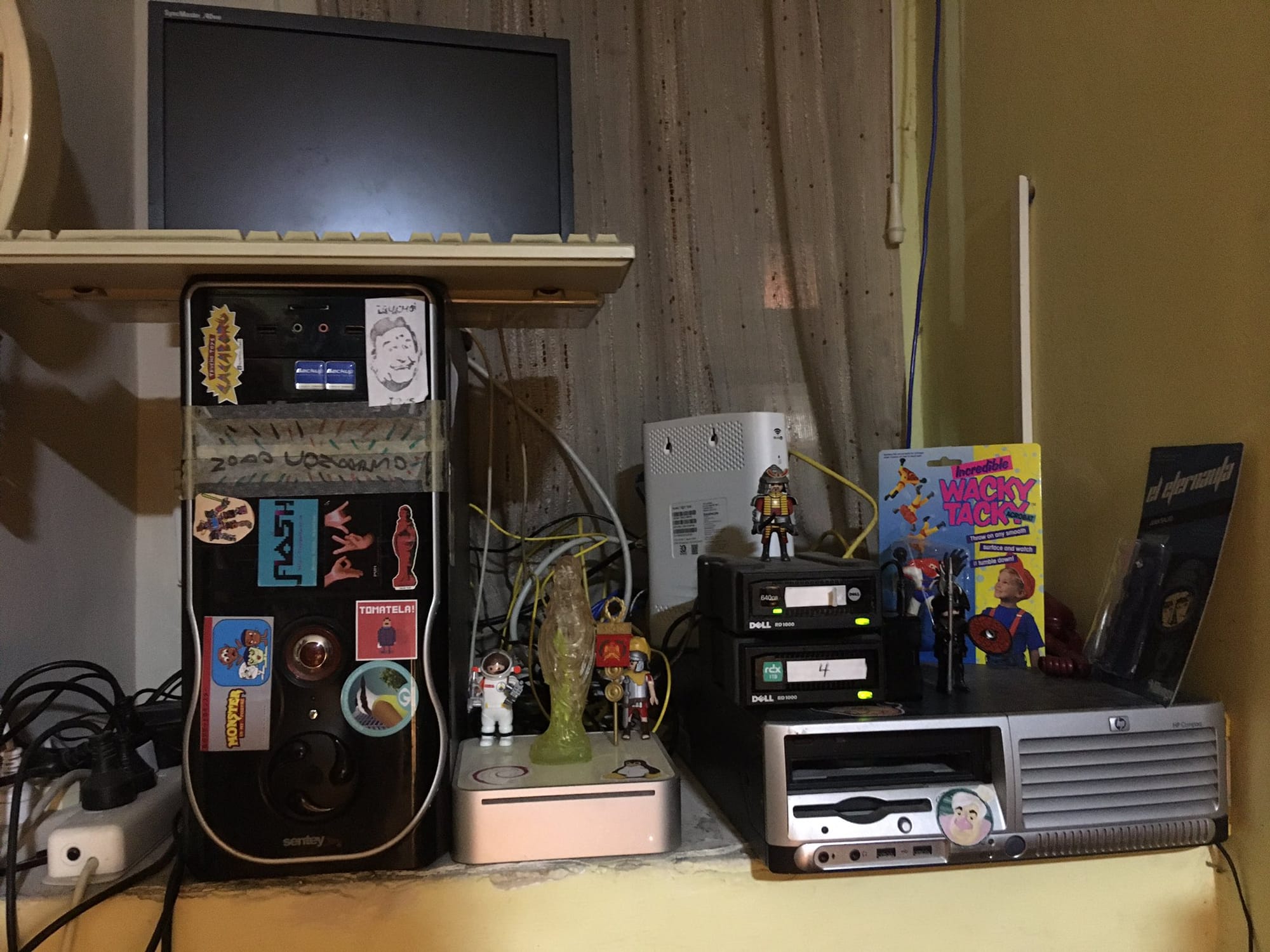
In mid-2018, before Cybercirujas existed as a federal hacktivist movement, I used to hang out with several friends of my brother who worked in IT. They called themselves byte workers, a rather peculiar name for tech nuts: it’s known that this field has a tough class consciousness. By that time, I had already been using Linux for over 10 years and was completely immersed in the philosophy of free software, which in our South American idiosyncrasy blends with punk, DIY, and self-management. Amid barbecues and beers, technopolitical discussions arose regarding the big tech corporations, the computing oligarchs who dominate every aspect of our digital lives. In the midst of those ramblings between sips of wine and puffs of weed, a topic emerged that fascinated me: the possibility of self-hosting various basic services we use daily on the Internet.
It’s a cloud, no doubt about it
Among all the changes in habits and mental setups brought about by the imposition of the data oligarchy, the mystification of the concept of files and storage space is one of the most problematic. The mass adoption of smartphones led to a decline in usage, but also in the sales of computers, whether laptops or desktops. If we also consider the scarcity of RAM and the new idea of 'renting a computer in the cloud', it’s no wonder that almost no one knows what a file is, a simple file, and even less can think in terms of storage, because, in any case, everything is resolved by paying for a better subscription. But why pay so many times for the same thing when, with just the Internet connection that reaches our home or our cell phone, we can do all that and more?
The movement around self-hosting, or self-managing/hosting, precisely proposes creating your own node on the network to offer services: email accounts, access to decentralized social networks, blogging platforms, online games, file servers, whatever can be done with a computer and an Internet connection. Providing services that are exposed to the Internet is perhaps the most classic form of 'cloud' we can think of, and there are many community projects that self-host various Internet applications autonomously. But going for something simpler and more affordable, we can think that within our home it’s feasible to set up our own closed node on the network, which makes it even easier.
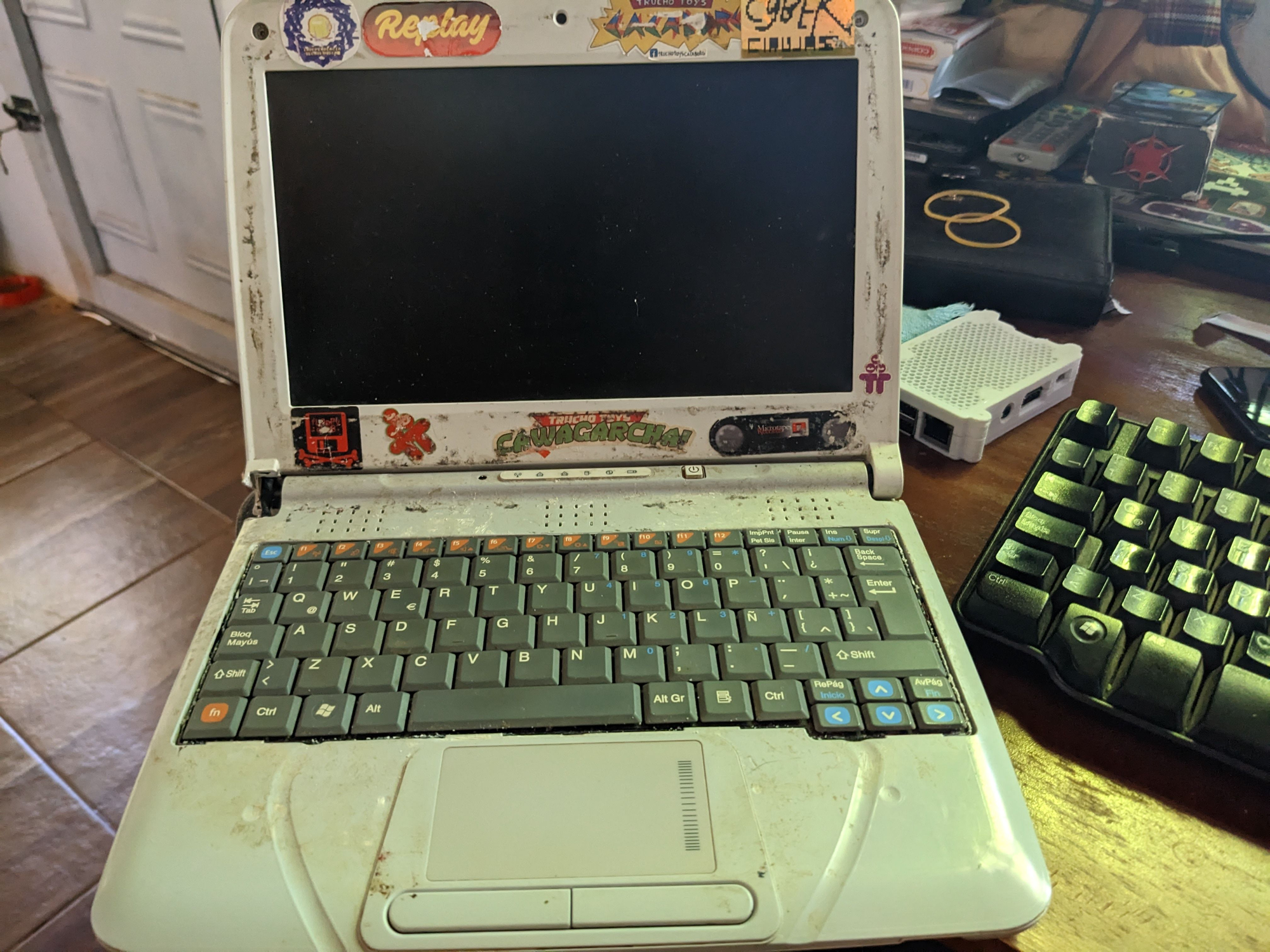
In that universe of possibilities, it’s crucial to think that just as there are Spotify or Netflix, there are free software applications that, installed locally, allow us to manage our digital consumption on low-performance computers. The cloud is someone else’s computer, yes, but that cloud can be ours because there are plenty of computers available, and you don’t need many resources or much knowledge to set up your home cloud. You just need to get a Conectar Igualdad (CI), even one of the older ones with an Atom processor. These machines that are now celebrating their fifteenth spring are ideal for starting to experiment, losing the fear, and taking control of your digital life.
Soulseek and Navidrome, the local Spotify
The data on the generation of data per person is impossible to calculate. But we can know how much music and movies in good quality we can store on a 1TB drive. CIs like the G1, with its 32-bit Intel Atom processor, and a maximum of 2GB of DDR2 RAM, might seem a bit short to even imagine a cloud. But the reality is that to have your music library, with a nice web app or mobile app, you don’t need more than that: storage will vary depending on how much music you’ve downloaded. The hardest part lies in changing the mental chip, and not going on a downloading spree. The simplest way is to start with what you listen to, what you like. And, of course, install some Linux based on Debian, without a graphical environment. Just mentioning the lack of a graphical desktop might scare you, but don’t be afraid.
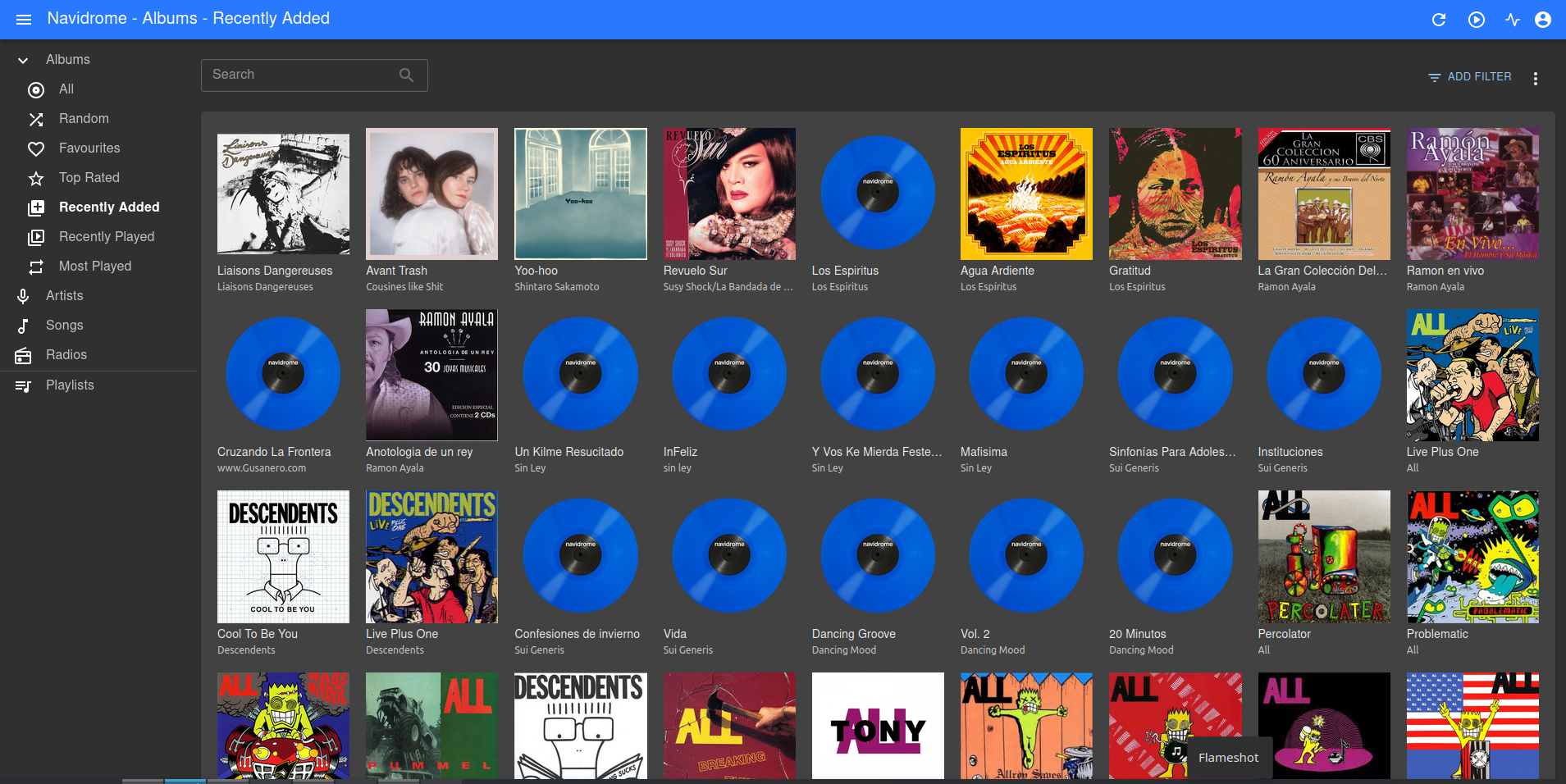
Once you’ve got the mp3s, you’ll want to listen to them and view them in a nice and comfortable way. For that, there are very low tech high life solutions like Navidrome, an application that installs in 'server' mode and provides us with a web interface to view and listen to our entire library. The Intel Atom processor of the early CIs is more than enough to manage this software. Is it an absolute hacker task to host Navidrome? Not at all. Of course, you’ll need to use the command line. The terminal is not your enemy and shouldn’t intimidate you: embrace it, and over time you’ll feel the telematic independence. That said, the instructions are very simple, and I don’t think it’s worth reproducing them here, because with your favorite chatbot you can get guidance on how to install it. A lot can be said about those AIs, but the reality is that to bring this seemingly arcane knowledge to curious people with intentions to change habits, they are very powerful tools: don’t waste them, use them to your advantage.
Once you’ve installed and configured it, you can access it via a web browser from your local network to that old Conectar Igualdad that’s serving your music. You can do the same from your cell phone’s browser, or install a music player that supports Subsonic, a music streaming protocol that allows connecting music libraries with different apps. As long as you’re within your local network, you’ll be able to access your collection, free from algorithms, heavy interfaces, and meaningless added junk. But what if I want to access it from somewhere else? For that, there are VPNs, and in this case, there’s a free and accessible solution: Tailscale. This program allows you to create 'VPN tunnels' between different computers for free, with a limit of up to five computers connected to each other. If we install the application on the 'server' (our cloud) and then on one of the client machines (your laptop, your cell phone), we’ll be able to access our content from anywhere.
Syncthing and Immich.app: file backup and an alternative to Google Photos
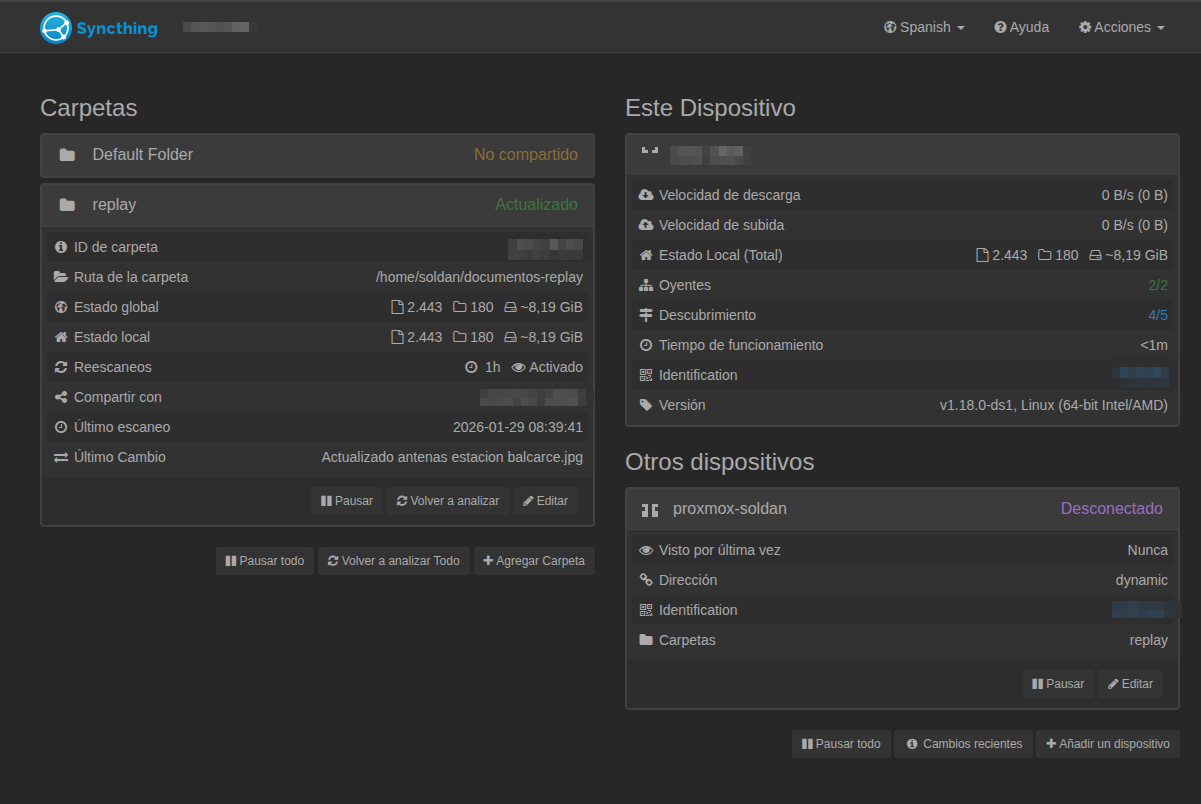
Once you start downloading files and keeping more digital information in your hands, you’ll want that data to be backed up and replicated. A very simple way to do this is by using another well low tech high life application. Syncthing allows us to synchronize files between devices and runs on any computer. The usage scheme is simple: one 'central' machine and clients that connect to it. The same CI where you have Navidrome is more than enough to be the brain of the files. Again, with the help of some chatbot, we install Syncthing, set where we want to store the data, and then install Syncthing in client mode on our computer/laptop/cell phone. There, by opening the browser pointing to the IP of the central machine, we’ll see a nice and simple web interface where we need to choose which local folder we want to share with the destination machine. Once that’s chosen, the machine will automatically start synchronizing the files. As long as the program is running, it will check if there have been changes in the source folder. If there have been, it will add those changes to the destination folder, thus maintaining an accurate copy of the data on both devices. Due to how this application works, there’s no need for a Tailscale VPN tunnel or anything; this synchronization will happen as long as both devices are powered on, regardless of whether we’re on our local network or outside of it. Be careful, though; don’t confuse it: this is not a 'cloud' like Google Drive where we access the files, but rather a very easy way to back up our files.
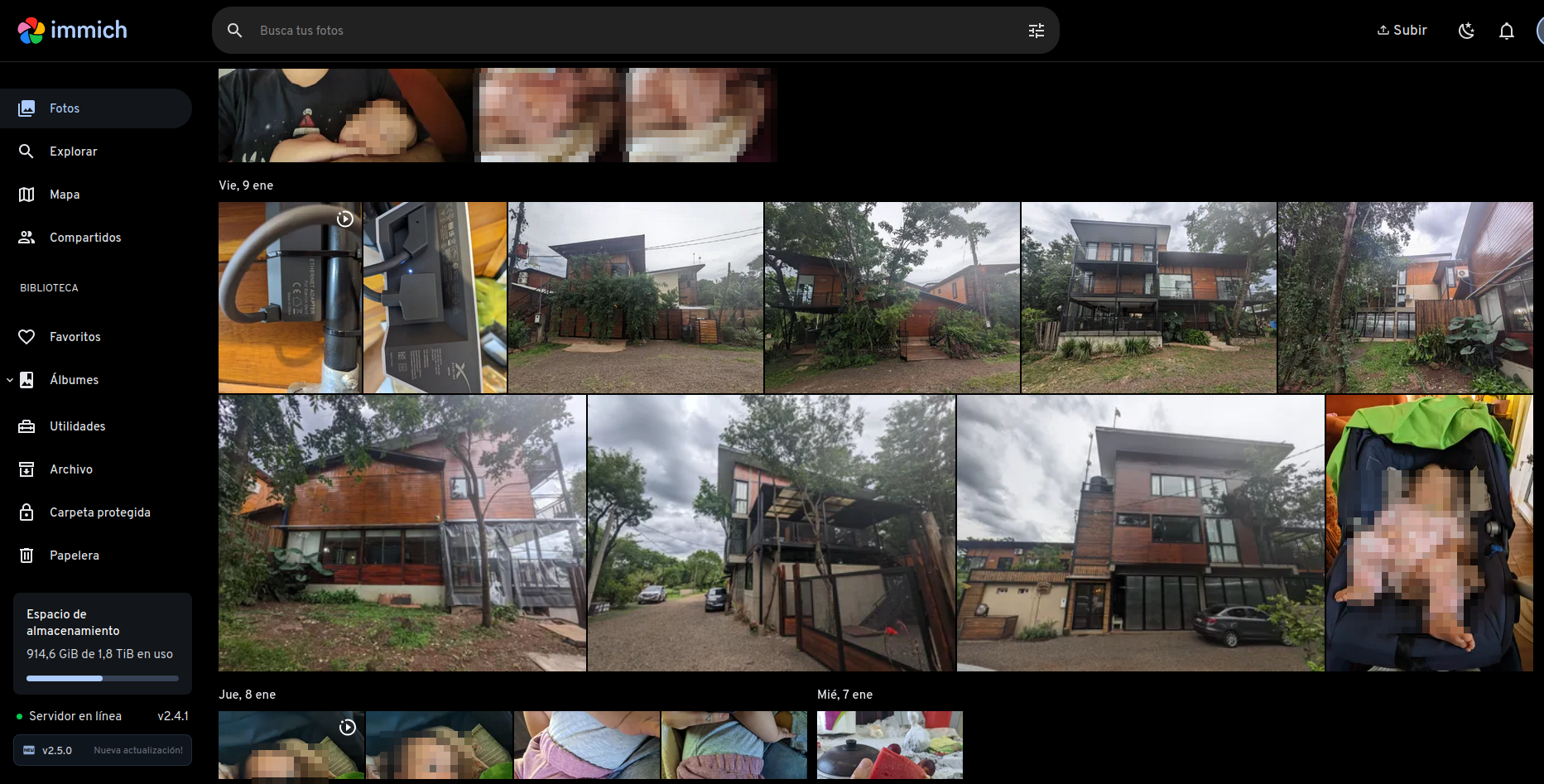
On the other hand, I recently discovered a wonderful application, Immich.app, which allows us to manage the photos and videos we generate from our cell phones. This material, which we usually delegate to Google or Apple, shares valuable metadata and personal information about many aspects of our lives. It’s not just about the content of the photos and videos, but all the metadata they carry: from geographic location to the device used, not to mention facial recognition, among other features. What Immich.app does is, on a server machine installed with the help of your favorite AI, store everything generated by our phone’s camera, incorporating machine learning that uses a locally running algorithm to detect faces, as well as tagging the images by geolocation. All of this can be viewed from an Android/iOS app that presents all our photos and videos in a very user-friendly manner. However, to host this last one, an old Conectar Igualdad won’t be enough; you’ll need at least a Raspberry Pi 4 with 4GB of RAM or a computer with similar specifications.
A sky filled with little clouds
The self-hosting movement is quite large in Europe and the U.S., but here in Argentina, it’s somewhat smaller and not heavily promoted by the byte community. Economic ups and downs make it difficult to obtain hardware capable of hosting larger things, but at the same time, local ingenuity shows us that we don’t need much. There are few community projects offering self-hosted services, rebel.ar and undernet.uy are some of them, with the latter perhaps being the largest self-hosted community in South America, offering email, cloud, Mastodon, XMPP chat, game servers, and several other applications.
Creating your own home infrastructure is not impossible, nor is it the task of dangerous hackers by any means. Daring to self-host basic Internet services locally is one of the many steps toward cognitive and technological sovereignty. Demystifying the concept of the cloud, and understanding that the computer we use from someone else can be ours, and that we can also share it with friends and family, is key. Even more so: understanding that you don’t need top-of-the-line hardware, but that you can do a lot with a simple Conectar Igualdad or a second or third-hand Raspberry Pi, ends up being almost emancipatory. The tools are there, AI and its chatbots can help break the fear, and the unused hardware circulating serves as an excellent platform for learning and liberation. The spark has been duly mentioned; what are you waiting for to dust off that unused computer and set up your little local cloud, with no master but yourself and whoever you want to share it with?